


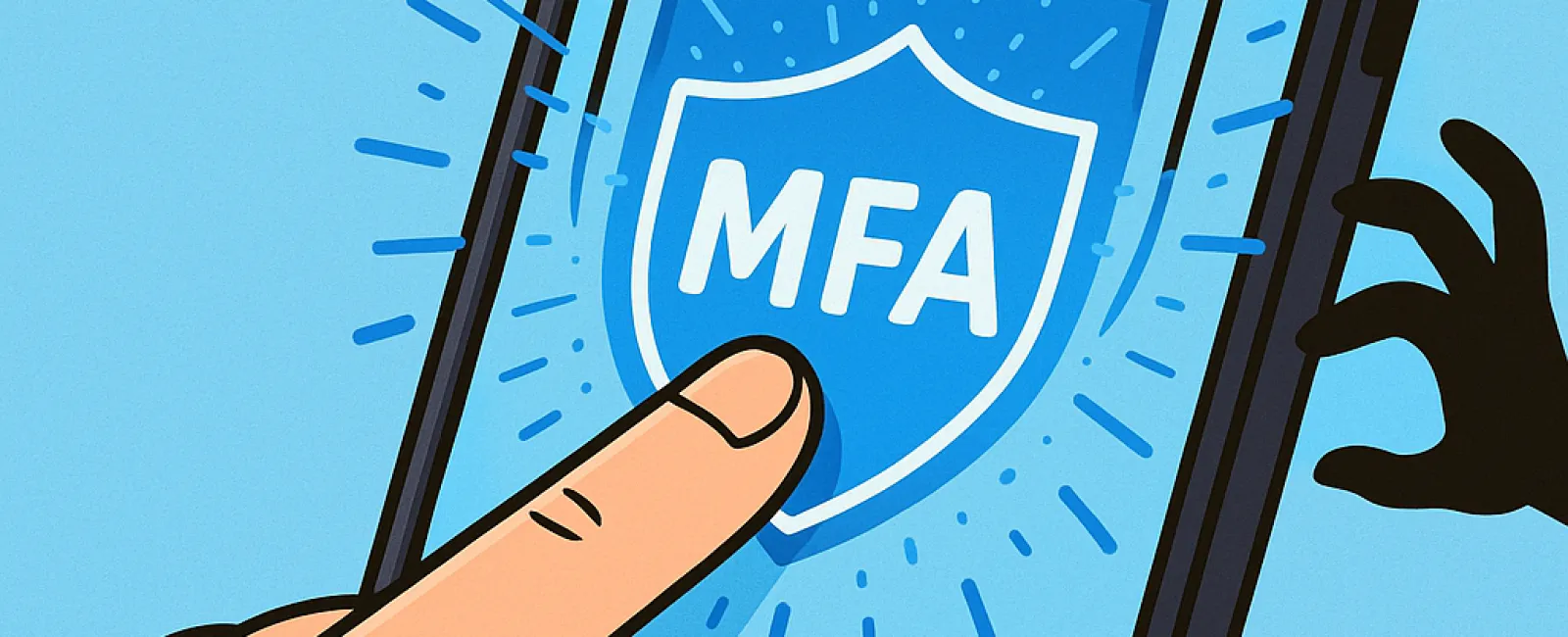
You wouldn't venture out without buckling your seatbelt, nor leave your workplace unlocked after hours. So why take the risk of going online without multifactor authentication (MFA)?
MFA acts as a crucial second barrier to protect your digital life. Rather than relying solely on a password—which can be stolen, guessed, or phished—it adds an extra layer of security like a text message code, an authenticator app, or biometric verification such as a fingerprint scan. Even if a hacker acquires your password, without this additional step, their efforts will be thwarted.
One Simple Step Can Transform Your Security
Think of your password as locking the front door. Activating MFA is like turning on a home security system. While it may seem optional, having this second safeguard means if one defense falters, you're still protected.
MFA involves an effortless extra step to verify your identity when logging in. Whether called "two-step verification," "two-factor authentication," or a "one-time password," these methods all ensure that access requires multiple proofs of identity before granting entry to sensitive data.
Common MFA methods include confirmation emails during account setup, security questions, text codes, push notifications, and phone calls—all designed to be completed quickly with just a tap.
How MFA Protects You in Real-Life Scenarios
For users, MFA is a breeze—just approve a notification or enter a short code. On the attacker's side, however, it's a major barrier. If someone tries to break into your account, MFA immediately alerts you or requires a code only you possess. This early warning lets you act fast, changing your password and stopping intrusions before damage occurs.
Moreover, MFA blocks unauthorized logins even if a hacker fools an employee into giving away their password. In fact, Microsoft's research shows that enabling MFA reduces the chance of account breaches by over 99.2%, and for fully enabled accounts, the risk falls by 99.99%.
Where to Activate MFA for Maximum Security
Ensure MFA is turned on for your most sensitive accounts, such as:
- Banking and financial platforms
- Email services and cloud storage
- Social media profiles
- Work-related logins containing client or proprietary data
Activating MFA is generally simple. Most leading platforms provide built-in MFA options—just select the method that suits you best and incorporate it into your daily login routine. Using an authenticator app can significantly boost the security of your team's access.
In essence, MFA is a rapid, cost-free defense that blocks the majority of unauthorized account attacks. Taking a moment to enable it now can help you avoid prolonged headaches, data loss, and costly recovery later.
The easiest way to activate MFA is by reaching out to your IT support provider. A skilled managed service provider (MSP) can streamline the setup process effortlessly. If you're searching for cybersecurity expertise, click here or call us at 678-940-8992 to schedule a 15-Minute Discovery Call with our team today.


