


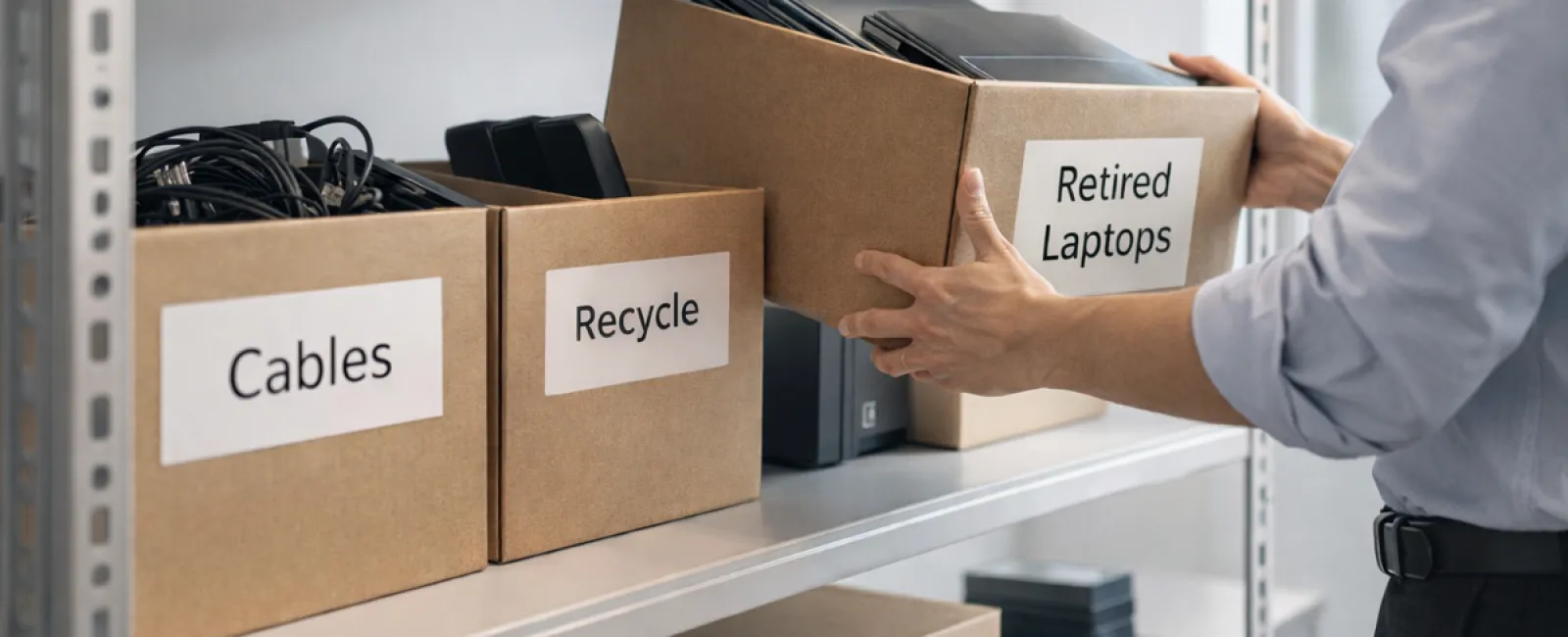
While spring cleaning often begins with tidying up closets, for many businesses, the real buildup of clutter isn't found on shelves.
It might be stored on a server rack, hidden away in storage rooms, tucked in back offices, or even piled under labels like "we'll sort this later."
Outdated laptops. Decommissioned printers. Backup drives left over from multiple upgrades. Boxes of cables saved "just in case."
Every business accumulates these assets over time.
The real question isn't if you have them, but whether there's a clear strategy for what happens next.
The Lifecycle of Technology Extends Beyond the Purchase Date
New equipment typically arrives with a purpose: enhanced speed, heightened security, greater capabilities, or to fuel growth.
While most companies plan technology purchases carefully, few develop a strategy for retiring outdated devices.
Retiring equipment often happens quietly—devices get replaced, set aside, and eventually someone clears the clutter.
This is normal behavior.
What's less common is applying the same deliberate planning to technology retirement as is given to acquisition.
Old technology still holds value—through reuse, recyclable parts, or stored data that needs management. Unmanaged equipment can cause operational inefficiencies by occupying space and attention.
Spring offers a natural opportunity to assess: which devices remain useful, and which are simply filling space?
A Clear-Cut Method to Streamline Your Technology Inventory
Want to turn talk into action? Follow our straightforward four-step plan.
Step 1: Inventory Examination
Identify exactly which equipment is slated for retirement: laptops, phones, printers, network hardware, external drives? You can't manage what's not accounted for, and a quick audit often uncovers more than anticipated.
Step 2: Determine the Outcome
Each asset typically falls into one of three paths: reuse (internally or donated), recycle (via certified e-waste services), or destruction (for sensitive data). Intentional decisions prevent devices from lingering in storage limbo.
Step 3: Proper Device Preparation
Discipline in this phase is crucial.
If reusing or donating, remove devices from management systems, revoke access, and perform verified data wipes—not just factory resets. Merely deleting files or quick formats leaves data recoverable.
Security experts at Blancco discovered that 42% of secondhand drives sold online still held sensitive information, despite claims to the contrary. Certified erasure tools overwrite all storage and provide verifiable reports.
For recycling, always choose a certified e-waste provider instead of tossing items in the trash. Notably, popular programs like Best Buy's recycling service cater only to household consumers, not businesses.
Business-grade electronics require IT asset disposition (ITAD) specialists or business-focused recyclers with e-Stewards or R2 certifications (directories available at e-stewards.org and sustainableelectronics.org). Your IT partner can often help coordinate this process.
If destruction is necessary, opt for certified data wiping or physical destruction methods such as shredding or degaussing, and meticulously document device details, methods, dates, and handlers.
This ensures comprehensive closure, not paranoia.
Step 4: Document & Finalize
After equipment leaves your premises, track its destination, handling, and confirm revoked access. Proper documentation eliminates lingering uncertainties.
Devices Commonly Overlooked in Tech Cleanup
Laptops often get prioritized, but other devices can be easily forgotten.
Phones and tablets often retain email credentials, contacts, or authentication apps. While factory resets handle much, certified mobile wipe tools offer deeper security. Brands like Apple and Samsung provide trade-in programs even for older models, potentially offsetting upgrade costs.
Modern printers and copiers often contain internal drives storing copies of all past printed, scanned, faxed, or copied documents. When returning leased machines, ensure in writing that hard drives will be wiped or removed before reuse.
Batteries are classified as hazardous waste by the EPA. In states like California, New York, and Minnesota, businesses cannot legally dispose of rechargeable batteries in regular trash. Remove them when possible, tape terminals to avoid shorts, and send to certified drop-off sites. Visit Call2Recycle.org for locations; retailers such as Staples, Home Depot, and Lowe's accept rechargeable batteries in most stores.
External drives and old servers tend to gather dust in closets longer than expected, but they require the same careful retirement steps as other equipment.
Essential Insights on Recycling
Earth Day in April serves as a timely reminder.
Electronic waste shouldn't contaminate landfills. With over 62 million metric tons generated annually worldwide, only 22% gets recycled properly. Devices like batteries, monitors, and circuit boards belong in certified recycling channels. Most areas offer dedicated e-waste recycling programs for this purpose.
Handled correctly, technology retirement supports operational efficiency, environmental responsibility, and strategic business goals simultaneously. Responsible disposal can be both secure and sustainable.
This also reflects positively on your brand—customers appreciate businesses that manage technology responsibly without fanfare.
Unlocking Greater Potential
Spring cleaning isn't merely about removal—it's about creating space for progress.
Removing obsolete hardware is just one part of the equation. While you reassess your equipment, consider broader questions: Is your technology aligned with how you want to operate? Is it driving your business forward?
Hardware evolves, but today's competitive edge lies in software, system integration, automation, and optimized processes that boost productivity and profitability.
Proper disposal keeps your operations tidy; aligning your tech strategy keeps your business evolving.
How We Support You
If you've already established a solid equipment retirement process, that's ideal—it should be straightforward and routine.
As you focus on right-sized hardware replacement, consider reviewing your overall technology stack. Are your systems efficient? Are tools integrated? Is your technology fueling growth or just maintaining status quo?
We're ready to help you step back and analyze how your technology, systems, and workflows enhance productivity and profitability.
No sales pressure. No equipment audit required. Just honest advice on optimizing technology for your business success.
Click here or give us a call at 678-940-8992 to schedule your free 15-Minute Discovery Call.
If this message resonates, please share it with fellow business owners.
Remember, spring cleaning goes beyond closets—it includes refining the systems that power your business.


