


Imagine you're three hours into a five-hour drive to see family for the holidays. Suddenly, your daughter asks, "Can I use your work laptop to play Roblox?" Your work laptop packed with sensitive client information, financial data, and complete access to your business. You're drained from packing, still have a long drive ahead, and the idea of keeping her entertained feels tempting. But is it really harmless?
Holiday travel introduces unique security risks that rarely show up in your daily routine. Fatigue, distractions, unfamiliar WiFi networks, and the blur between family time and "just checking work" create the perfect storm for data exposure. Whether your trip is for business, pleasure, or both, follow these essential tips to safeguard your data while keeping your holiday joyful and stress-free.
15-Minute Prep Before Your Trip:
Spend a quick 15 minutes to fortify your devices before you hit the road:
Device Essentials:
- Apply all pending security updates immediately
- Backup crucial files securely to a cloud service
- Set your device to auto-lock after no longer than two minutes
- Enable "Find My Device" features on both phones and laptops
- Fully charge your portable power bank
- Remember to pack your own chargers and adapters
Discuss With Your Family:
- Clarify which devices kids can use and which are off-limits
- Consider providing a shared family tablet or secondary device for entertainment
- Create a separate, restricted user account if kids must access your laptop
Expert tip: If children need to be entertained on the road, bring along a tablet unlinked to any work accounts. A modest $150 investment is far cheaper than recovering from a data breach.
Hotel WiFi Risks and Smart Use
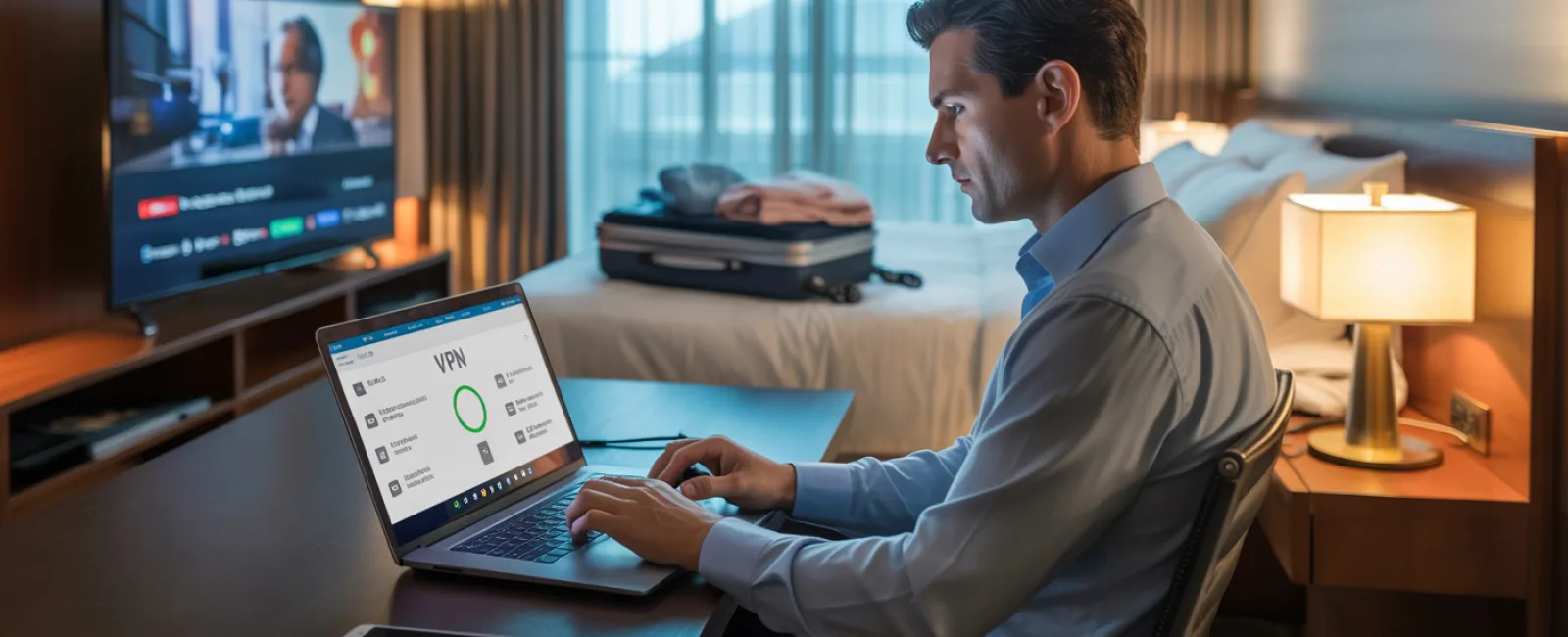
Once checked in, the entire family jumps onto the hotel WiFi—streaming, emailing, and surfing. But remember, hotel networks are public spaces shared by many guests, some with less than honorable intentions.
True story: A family connected to what they thought was the hotel WiFi, but it was a rogue network set up in the parking lot. For two days, all their personal information was intercepted, including passwords and credit card numbers.
Stay Protected By:
Confirming the exact WiFi name with hotel staff—never assuming.
Using a VPN when accessing work emails or business files to encrypt your online activity.
Switching to your mobile hotspot for sensitive tasks such as banking or handling confidential client data.
Separating leisure and work activities—let the kids stream cartoons on hotel WiFi, but reserve your hotspot for work-related connections.
The "Can I Use Your Laptop?" Dilemma
Your work device is a gateway to confidential emails, financial accounts, and essential business systems, while your kids just want some fun on YouTube or video chats.
Why it matters: Kids may unintentionally download malware, click unsafe links, or share passwords—innocent behaviors that can seriously jeopardize your work data.
How to handle it:
Politely but firmly deny use of work devices, and offer alternative devices for their entertainment.
If sharing is unavoidable:
- Set up a user account with limited permissions
- Supervise their device use closely
- Disallow any downloads
- Ensure no passwords are saved
- Clear browsing data after each session
Better yet: Bring a dedicated device for the family, even an older tablet or laptop that doesn't link to your work environment.
Streaming on Hotel TVs: Don't Forget to Log Out
Watching Netflix on the hotel smart TV is fun, but leaving your account logged in after checkout lets the next guest access your streaming and potentially more.
Worse still: Using the same passwords across multiple sites could expose your other accounts.
Smart solutions:
- Cast content from your personal device instead of logging into the TV
- Set a reminder on your phone to log out before you check out
- Or better, download shows to your devices in advance to avoid hotel TVs
Never log into these accounts on hotel TVs:
- Banking platforms
- Work emails or accounts
- Social media profiles
- Any apps with saved payment details
In Case of a Lost Device
Travel can be hectic, and devices often get left behind in public places. If your device disappears:
Act Immediately:
- Activate "Find My Device" to locate or lock it remotely
- Change passwords on critical accounts from another device
- Notify your IT support to revoke all company system access
- If sensitive business data was on the device, inform your clients or stakeholders
Before traveling, ensure your device has:
- Remote tracking enabled
- Strong password protection
- Automatic full-disk encryption
- Remote wipe functionality
If a family member loses their device, apply these same security measures promptly.
Beware the Rental Car Bluetooth Data Trap
Connecting your phone to a rental car's Bluetooth system often leaves your contacts, call history, and text message previews stored in the car's memory for future drivers to access.
Quick security steps before returning the vehicle:
- Remove your phone from the car's Bluetooth devices
- Clear recent GPS destinations
- Or simply avoid Bluetooth use, opting for an aux cable or offline solutions
Managing Work-Life Boundaries on Vacation
Balancing family and work during holidays is tricky—checking emails multiple times, taking surprise work calls, or working while others enjoy activities can lead to distracted security practices and mistakes.
Practical tips:
- Designate two specific times daily to review work emails
- Use your phone's hotspot for any work-related online tasks instead of hotel WiFi
- Conduct work in private spaces like your hotel room rather than public areas
- Fully engage with family during non-work times—avoid multitasking
The best protection? Take genuine time off to recharge. Your business will be safer, and your focus sharper when you return.
Adopting a Holiday Travel Security Mindset
Mixing work and family during holiday travel isn't straightforward. Sometimes kids genuinely need to use your laptop; sometimes urgent emails need quick attention. The key is not perfection but thoughtful risk management:
- Prepare your devices thoroughly before departure
- Differentiate between high-risk activities (like banking over hotel WiFi) and safer ones (checking emails over your hotspot)
- Keep work and family digital activities separated whenever possible
- Have a clear plan ready if anything goes wrong
- Know when to say "No" firmly to device sharing and stick to it
Create Lasting Holiday Memories, Not Security Nightmares
The holiday season is about cherishing moments with loved ones—not handling the fallout from a data breach or explaining client data exposure.
With a bit of preparation and clear rules, you can protect your business without sacrificing anyone's vacation joy. Your family enjoys the holidays, your business stays secure, and everyone wins.
Need expert help to establish travel security policies for your team (and yourself)? Click here or call 678-940-8992 to schedule your free 15-Minute Discovery Call. Let us help you craft practical, effective security practices that keep your business safe without hindering your travel plans.
After all, the best holiday memory shouldn't be "Remember when Dad's laptop got hacked?"


